
How to Book Multiple Interviewers For an Interview
As you are adding interviewers, make sure the Interview Date/Time is exactly the same for the interviewers assigned.
As an example, let's say we need to add two Interviewers to the one Interview:
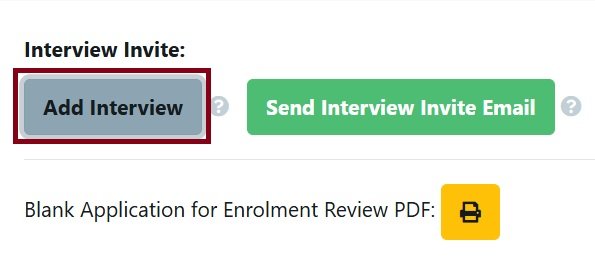
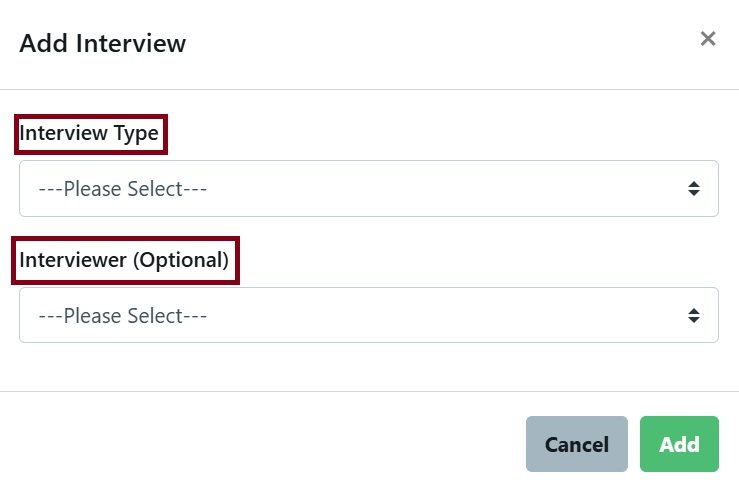
- Add Interview
- Select Interview Type and Interviewer (Optional)
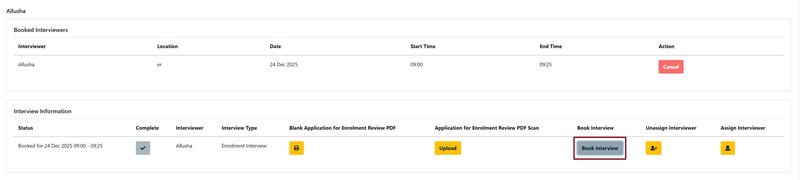
Send Interview Invite Email to Parent to book an appointment or Book Interview for the parent and send the automated interview confirmation emails
- When the interview has been booked, you can Add Interview for the second Interviewer for the same date and time.
- The second Interviewer must have a different Interview Type than the first Interviewer, eg Head of Secondary and Diverse Learning.
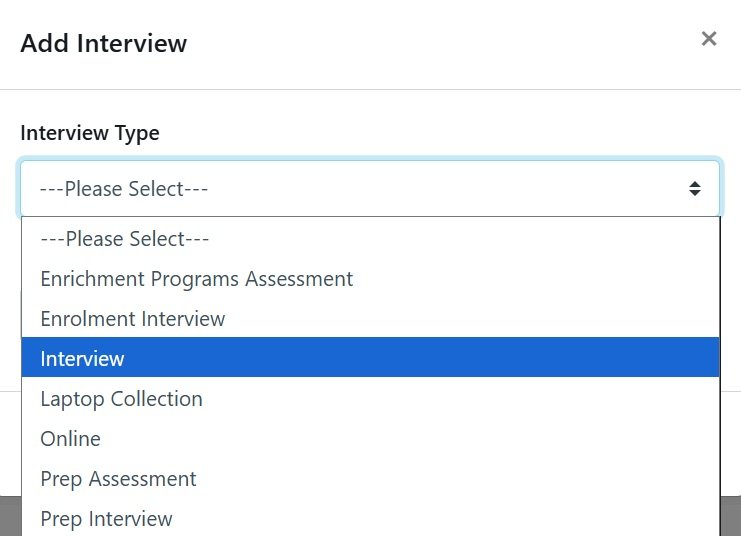
- Manually Book Interview for the second Interviewer at the same time and date as the first Interviewer.
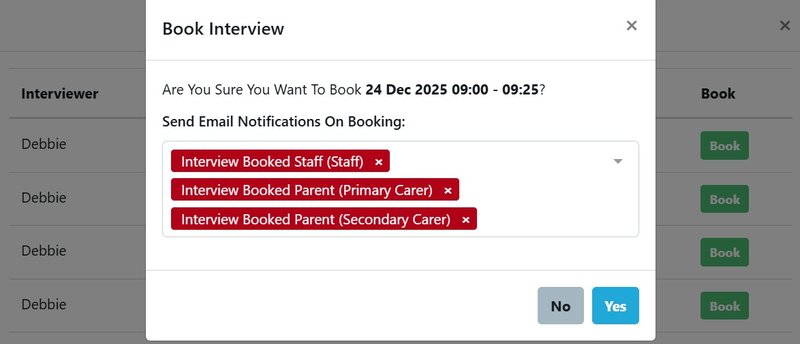
- You can send the second Interview the automated email confirming the appointment and click on the 'x' to avoid sending the Parent another email confirming the same appointment which may cause confusion.
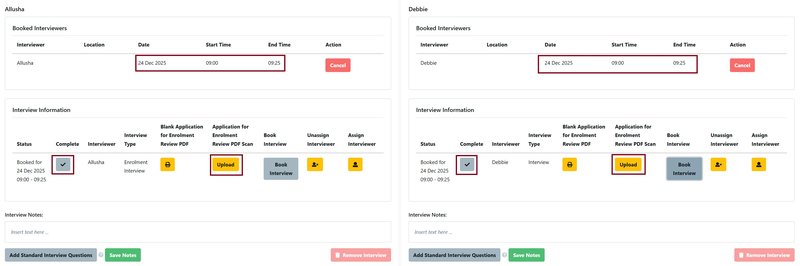
- As a result, you now have two Interviewers booked for the same Interview. Both Interviewers can upload or Add Interview Notes, and both Interviewers should mark the interview 'Complete' following the meeting.
There is also the video tutorial for this: