
Sync student records to your SIS
Depending on your EnrolHQ setup, student profiles details can be synced to your sys by using the sync button in the top right hand side of the profile record.
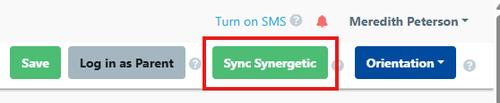
Once you press the button the profile details are sent to your school SIS.
This button is disabled for that profile until the SYNC process has been completed.
Depending on your SIS the button will display different names as per the examples below:
