This report records every transactions that are made by Parents through EnrolHQ system
Transactions Report Overview
Generally users with the role of either Finance, Registrar or Admin will have access to Transactions in the main menu when they log into EnrolHQ.
- Reports > Transactions
A table view of the most recent transactions that have been made in EnrolHQ is provided.
All payments are recorded through the transactions report. This includes GPA, Application and Offer of Place and Custom Form Submits fees.
For each transaction, the date and time, amount, status, invoice number (created by EnrolHQ), transaction number (created by your Bank) and reference ID will be listed followed by the parents details and Student Profile details to give you all the information you need to reconcile against your bank account and enter the transaction into your Student Information System.
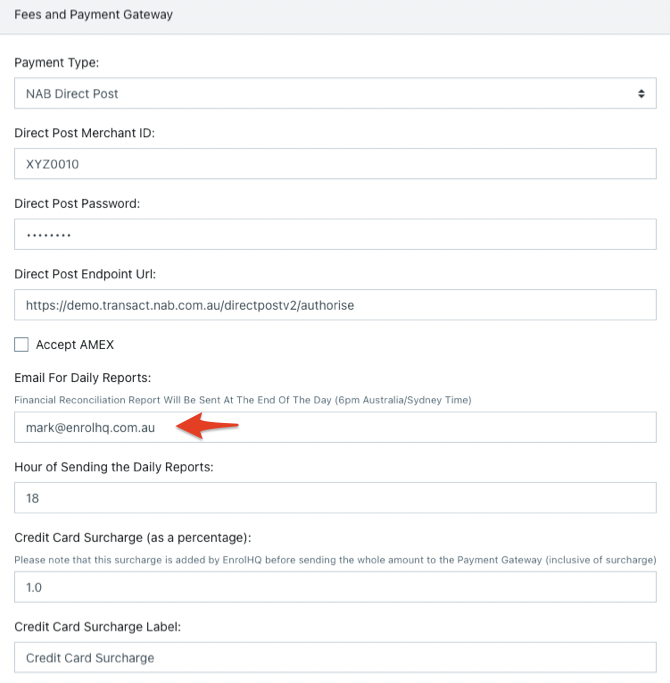
The report can be emailed every day to a specified email address.
- Settings > Payment Settings
An Export button is provided in the top right corner which will allow you to export all the transactions to CSV format so you can view it in Excel and use Excel tools to do reconciliations against exported bank transactions.
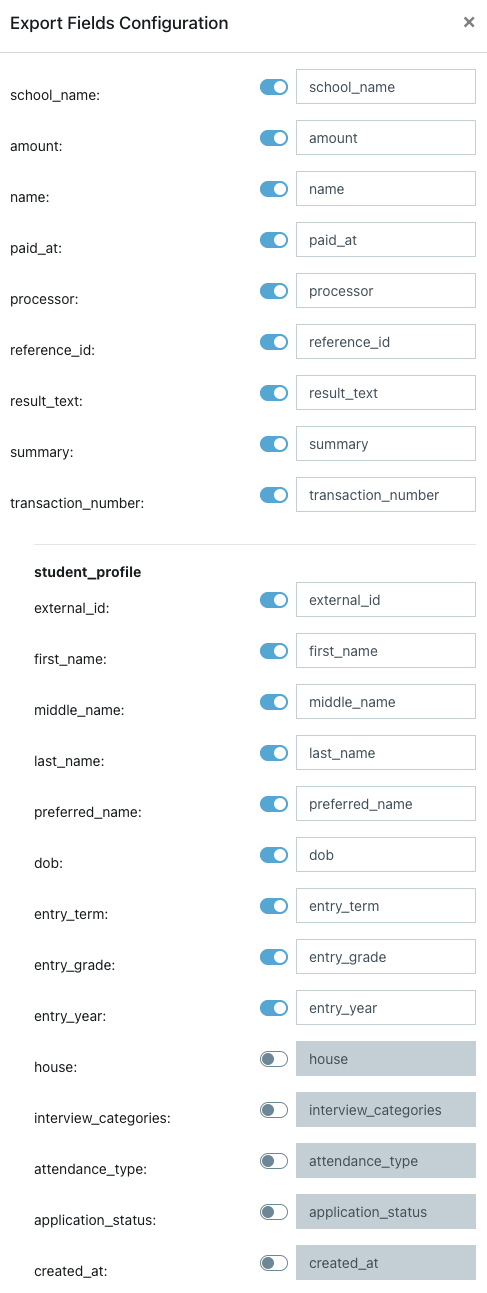
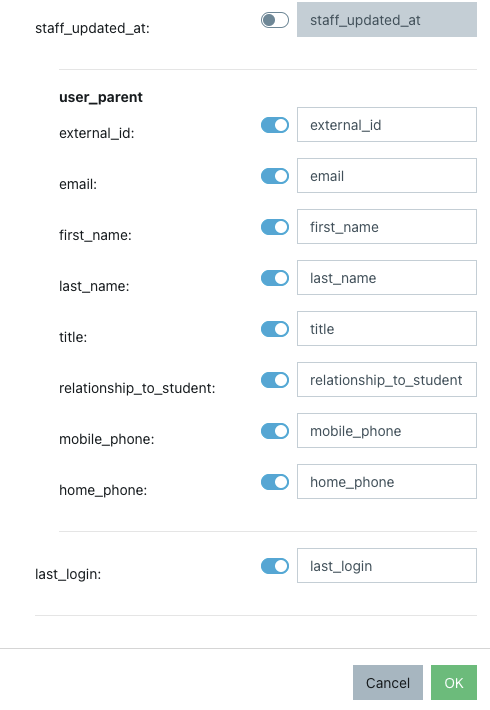
You can change the report fields that are sent by clicking the spanner in the top right.